
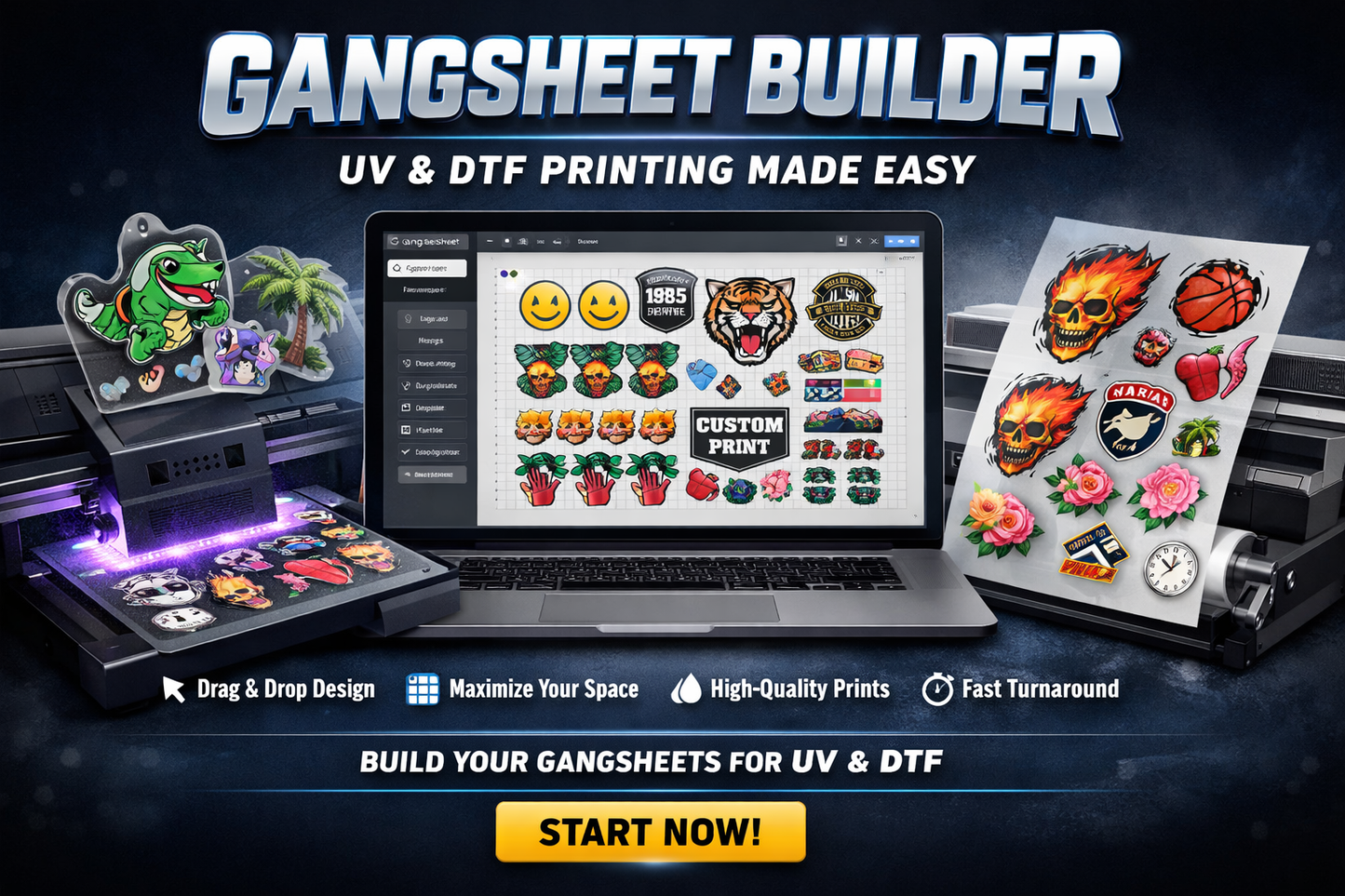
If you are uploading multiple images and want to make your own gangsheet use this gangsheet builder
Auto-Builder
Auto-Builder
Gangsheet Builder
Build your prints your way — fast, easy, and fully optimized.
Our Gangsheet Builder is designed to give you complete control over your layouts while maximizing every inch of your film. Whether you're printing for your business or personal projects, you can create efficient, high-quality gangsheets in minutes.
Why Use Our Gangsheet Builder?
✔ Maximize Your Space
Easily arrange multiple designs on one sheet to reduce waste and lower your cost per print.
✔ Simple Drag & Drop Interface
Upload your designs, resize, duplicate, and position them בדיוק how you want — no design experience needed.
✔ Unlimited Length
Work with a fixed width and virtually unlimited length, giving you the flexibility to scale your orders.
✔ High-Quality Output
What you see is what you get — your designs are printed exactly as placed, with sharp detail and vibrant color.
✔ Fast Turnaround
Once your sheet is submitted, our production team gets to work right away to keep your orders moving.
How It Works
-
Upload your artwork
-
Arrange your designs on the sheet
-
Adjust sizes and quantities
-
Review your layout
-
Submit and we handle the rest
Who Is This For?
-
Apparel brands
-
Print shops
-
Small businesses
-
Creators and hobbyists
If you’re looking to save time, reduce costs, and streamline your workflow, our gangsheet builder is the perfect solution.
Start Building
Take full control of your printing and get the most out of every sheet.
Start your gangsheet now and see the difference.
Share
Shipping & Reprint Policy
Shipping & Reprint Policy
Free shipping on order over $150.
Shipping within the same day or pickup 24/7 in Concord or Ajax.
1pm cut-off time for same day shipping/pick up.
We are committed to ensuring you are 100% satisfied with your purchase! If you aren’t completely happy with your order, please reach out to us within 30 days of receiving your items. We would be more than happy to discuss a refund or reprint.
We assure you, if there is a problem with the print quality or if the print doesn’t stick well, we’ll reprint your order at no extra cost. However, please note that we can’t offer a reprint if the print issue arose due to a low-quality file that was uploaded by you.
How to Transfer with Heat Press or Home Iron?
How to Transfer with Heat Press or Home Iron?
1. Prepare Your Materials
Before you start, make sure you have all your materials ready. These should include your ready to press DTF transfer, a heat press or a home iron, garment or fabric on which you would like to press the transfer, and a teflon sheet or parchment paper to protect your heat press or iron.
2. Warm Up Your Heat Press or Iron
Warm up your heat press or your iron to the right temperature. For a heat press, the temperature should ideally be between 320 to 340 degrees Fahrenheit. For a home iron, set it to the cotton or highest setting.
3. Position Your DTF Transfer
Lay your garment or fabric flat on the pressing area. Position your DTF transfer on the garment where you want the design to be. Make sure the printed side of the transfer is facing down (touching the fabric).
4. Pressing Time
Once you’ve positioned your transfer, cover it with a teflon sheet or parchment paper. This will protect your heat press or iron as well as ensure an even distribution of heat. If you’re using a heat press, close it and press for about 15 to 20 seconds. If you’re using a home iron, firmly press the iron down on the transfer and hold it there for about 2 minutes. Ensure all areas of the design receive equal heat.
5. Peeling off the Transfer
Open the heat press or remove the home iron, and wait for about 5 to 10 seconds. Then, gently start peeling off the transfer paper from one corner. It’s best to peel it off when it’s still warm but not too hot, as it may affect the quality of the design.
6. Make sure Design has Adhered Well
After peeling off, check if the design has adhered well to the fabric. If not, press it again for a few seconds. If it is ok, allow your fabric to cool down for a while before washing.
How DTF Wholesale Store Make Printing Difference
-
High-definition prints
Producing incredibly detailed designs to stand out without color limitation. Great for artistic or complicated designs.
-
Vibrant Colors on Dark Fabrics
White ink under base ensures that the colors pop against the dark backdrop.
-
Long-Lasting Prints
Withstand hundreds of washes and maintain their vibrant colors for a long time.
-
No Overlapping Colors
Printing design onto a special film first which results in precision.